During our internship at iO Digital, we had some downtime and decided to use it to build a 3D multiplayer game where players fly around an open world and shoot each other down.
I was responsible for the backend and UI of the game.
Backend
I wrote the backend using the Deno runtime in TypeScript with the Oak router. This was my first real experience using Deno for a larger project, and I was surprised by how straightforward it was to set up CRUD logic and structure everything using a layered architecture.
I went with PostgreSQL as the database, hosted via a docker-compose.yml file.
The backend is built around three main systems.
Player Management
Players create an account by choosing a username and picking a vehicle.
Session Management
Players can create or join a session using a short, unique invite code.
Multiplayer Syncing
A WebSocket system that keeps track of where everyone is flying. Sockets and locations are stored in-memory.
My goal was to keep the backend structured, layered, and easy to extend down the line.
export function setup(router: Router) {
    setupSocket(router, "/wss/:session/projectiles/:player",
    (player: PlayerId, session: SessionId, socket: WebSocket) => {
        connect(player, session, Type.PROJECTILE, socket), receive)
    }
}

function receive(player: PlayerId, session: SessionId, message: MessageEvent<string>) {
    const projectile = receiveProjectile(session, message);
    if (!projectile) return;

    relayToSession(session, projectile);
    log(`Received projectile from ${player} in session ${session}`);
}

async function relayToSession(session: SessionId, projectile: unknown) {
    const players: Player[] = await getAllBySession(session);
    players.forEach((player) => sendToPlayer(player.id, Type.PROJECTILE, [projectile]));
}
Frontend
I built a minimal UI for creating an account (picking a username and a vehicle) and for creating or joining a session.
Ayla handled the 3D scene using Three.js and React Fiber. All of the models are free assets from Kenney’s website.
A big chunk of my time went into getting player locations to sync correctly across all clients. We ended up using interpolation between position updates to smooth out movement. Without it, everything looked really jittery.
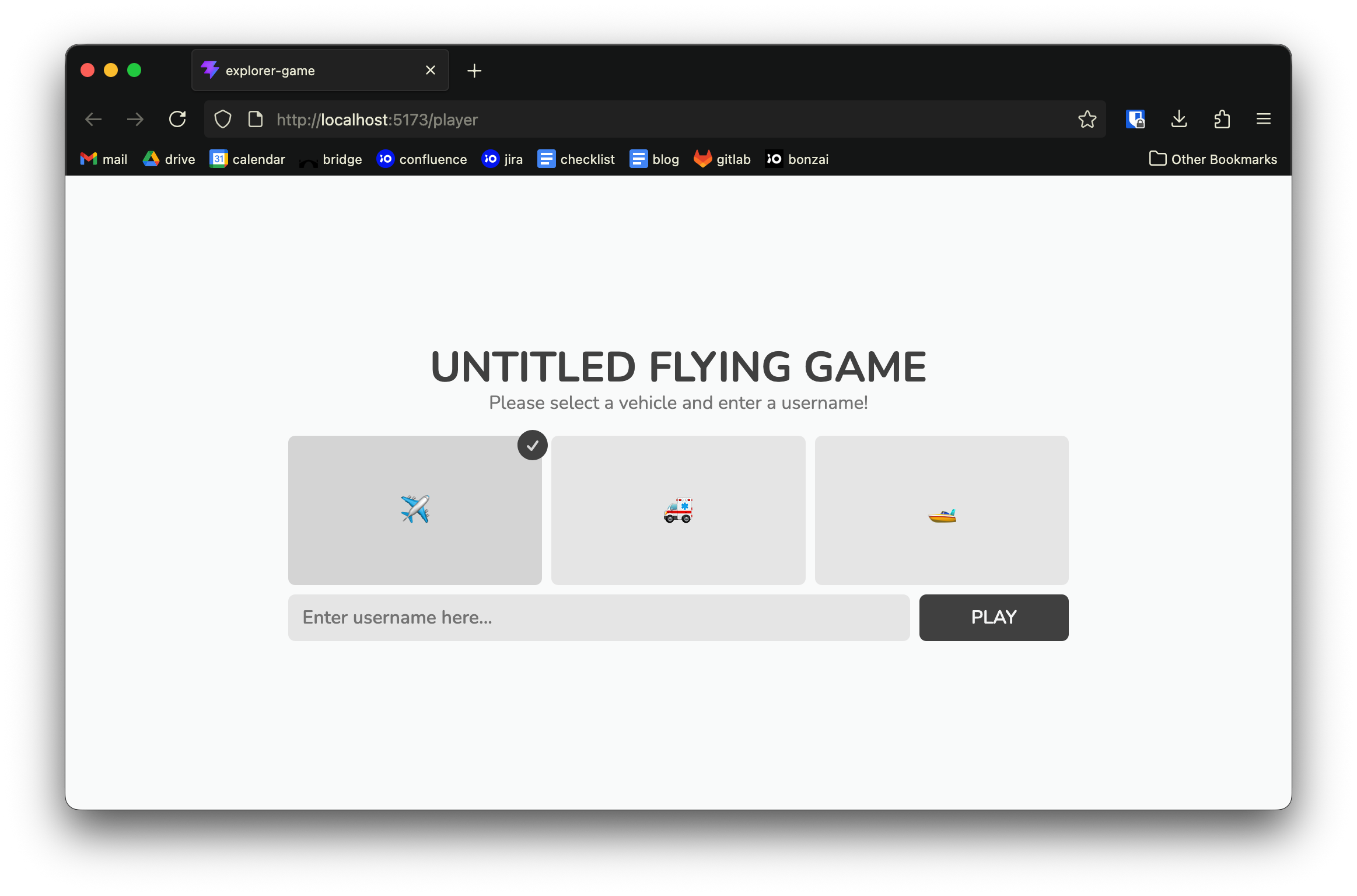 View showing the player management UI
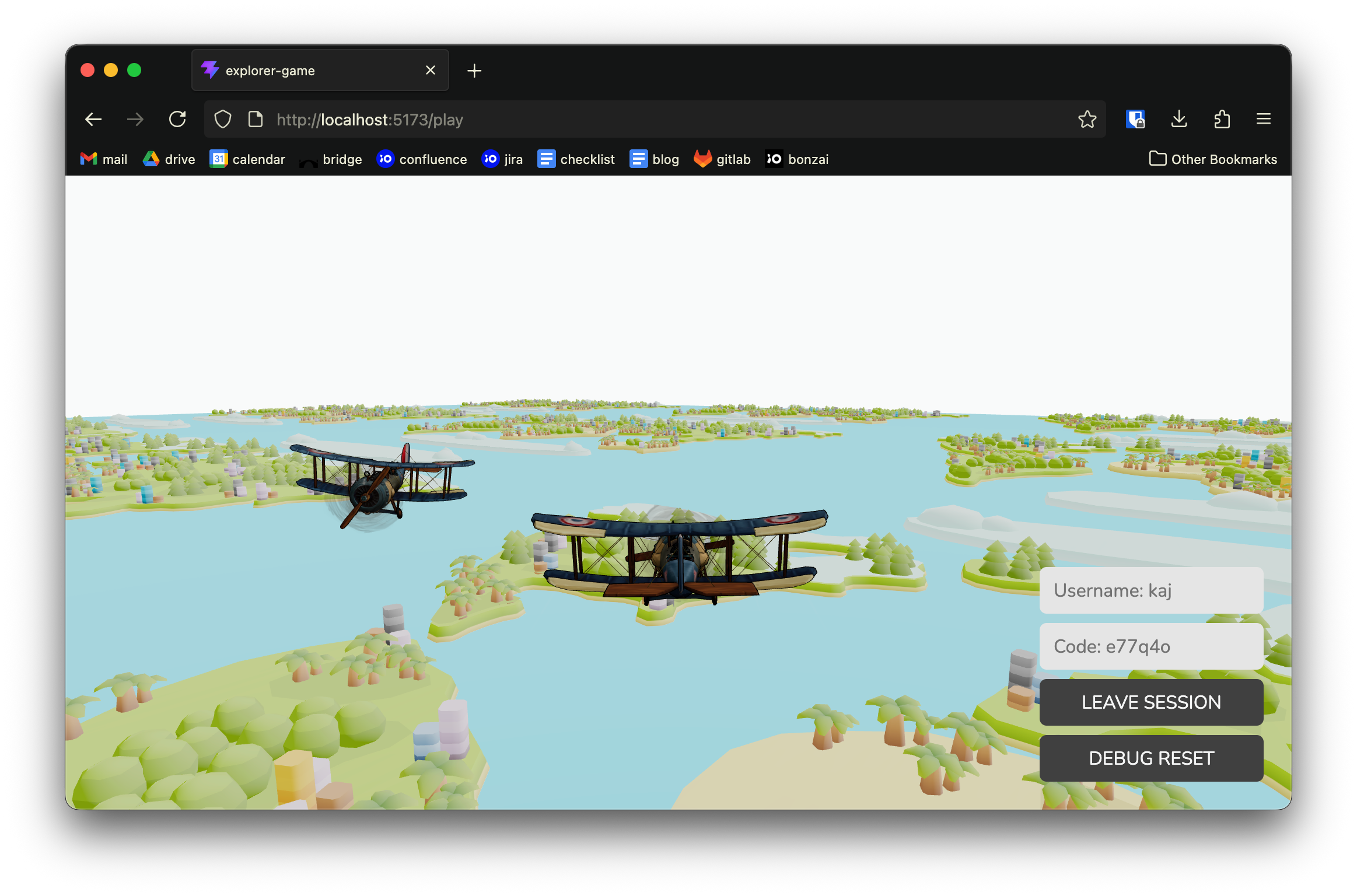 A screenshot of the game
Godot
I also spent some time putting together a quick demo in Godot. The main takeaway: there’s a reason game engines exist. Setting up the 3D scene and getting multiplayer working was way easier compared to doing it from scratch.
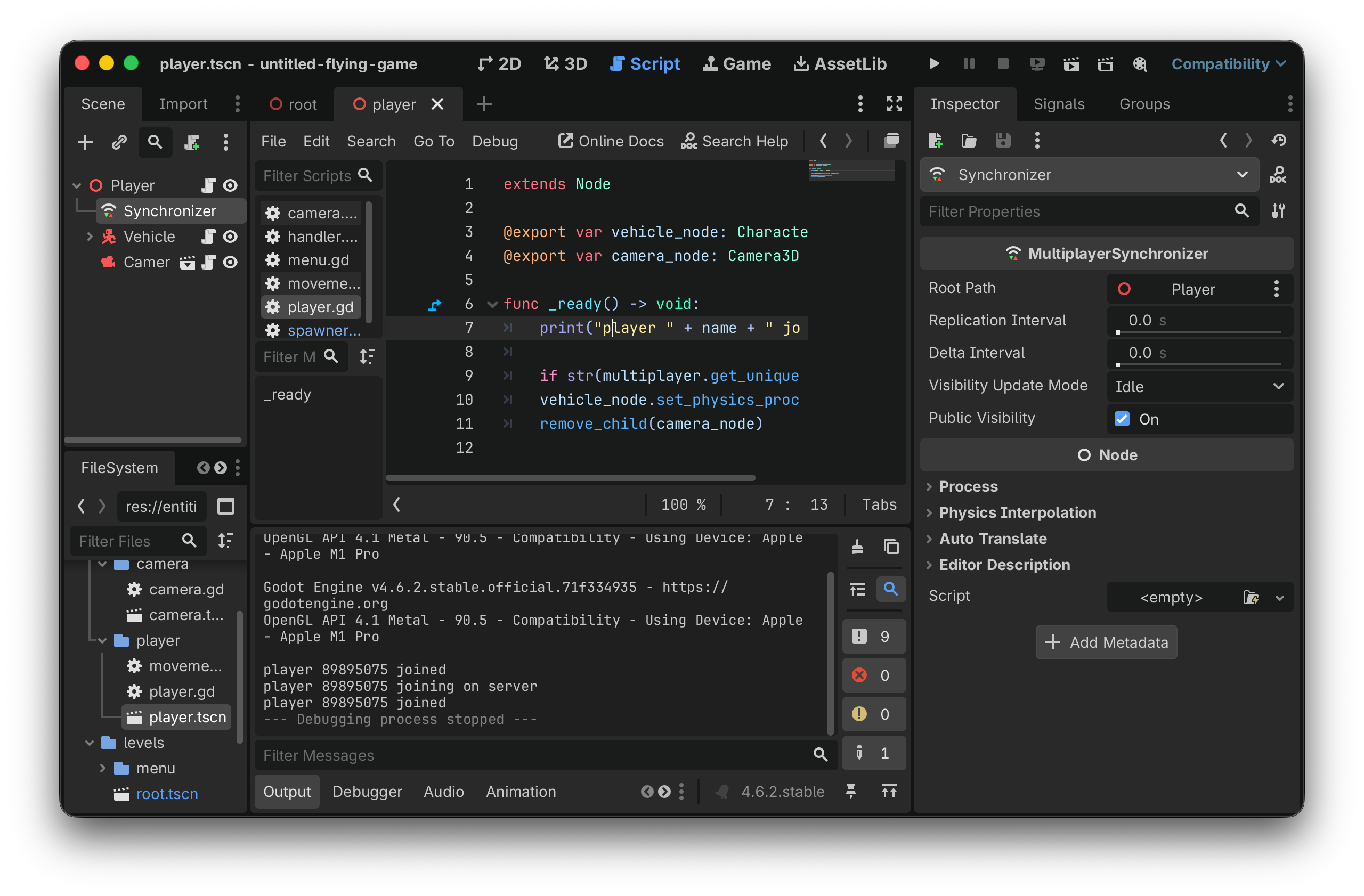 A screenshot of the Godot engine